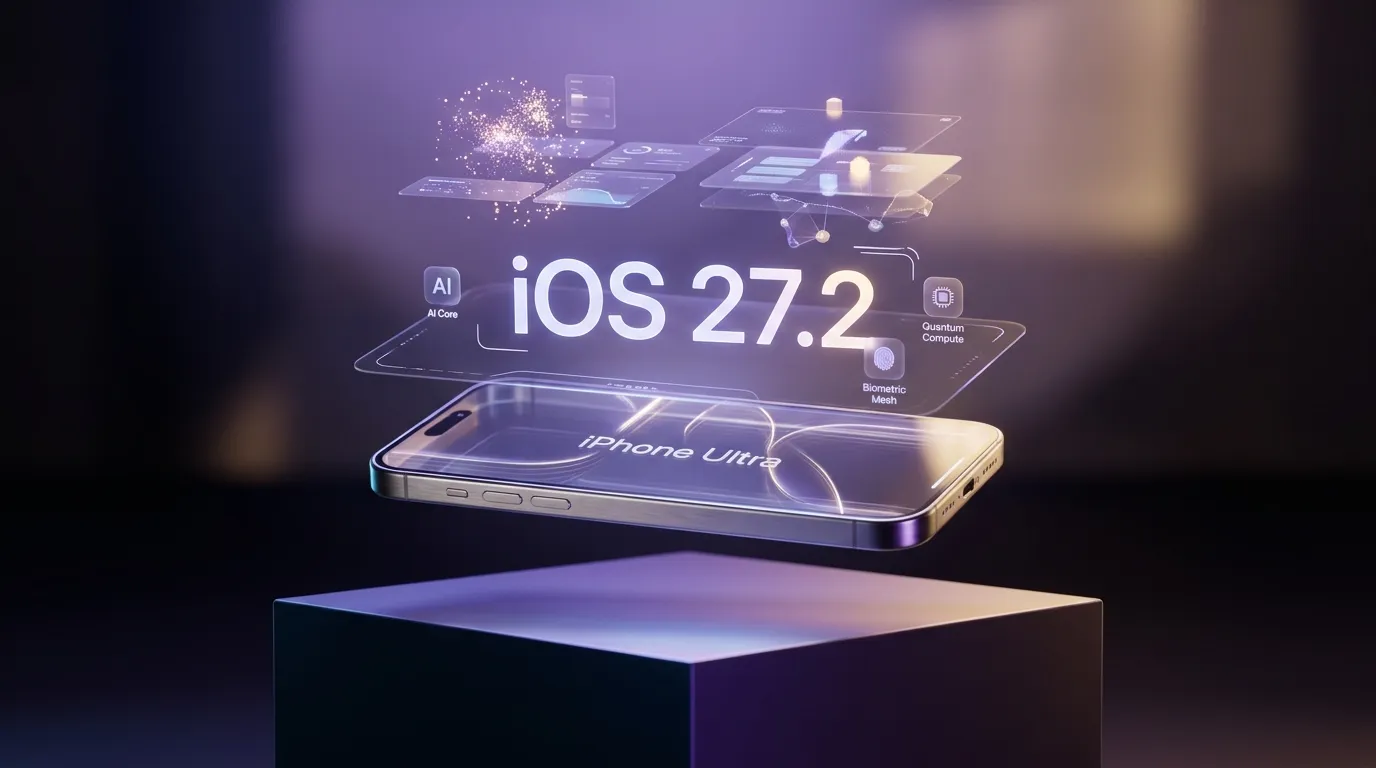

iOS 27.2 Is Here: Inside Apple’s Next-Gen Liquid Glass and Neural OS
Apple has officially seeded iOS 27.2, marking one of the most substantial mid-cycle updates in the platform's history. While previous releases established the foundations of on-device neural processing, iOS 27.2 polishes Apple’s bold "Liquid Glass" visual overhaul and unlocks proactive, multi-step autonomous workflows.
From conversational AI memory that spans weeks of context without sacrificing user encryption, to stereoscopic dual-camera FaceTime calls and cross-device spatial continuity with visionOS, iOS 27.2 represents the tipping point where smartphones evolve from reactive pocket computers into proactive ambient assistants.
Here is your complete guide to every major feature, hardware requirement, and hidden setting in iOS 27.2.
At a Glance: What’s New in iOS 27.2
- Liquid Glass 2.0 UI: Refined depth layering, responsive light refractions, and dynamic accent glows across system apps.
- Siri Autonomous Memory: An expanded neural memory core that connects calendar events, chat histories, emails, and notes with zero-knowledge cryptographic safeguards.
- FaceTime Dual-Capture 3D: Simultaneous ultra-wide front and rear recording, projecting stereoscopic spatial presence for Vision headsets and iPhones alike.
- Visual Intelligence in Camera: Real-time semantic analysis for instant real-world queries, document translation, and live generative object re-framing.
- Proactive Contextual Actions: In Messages and Mail, iOS suggests complex multi-app tasks (scheduling, reservations, file conversions) before you even finish typing.
- Granular Excluded Apps Privacy: Instant toggles to block Siri and Apple Intelligence from parsing sensitive banking, medical, or designated confidential applications.
- Next-Gen Digital Well-being: Neurologically informed Screen Time profiles designed to curb doom-scrolling with adaptive cognitive friction.
Feature Compatibility Matrix
iOS 27.2 scales its computational workloads depending on the neural and optical capabilities of your device:
| Feature | iPhone Ultra / Pro Series | Standard iPhone Lineup | Legacy Supported iPhones |
|---|---|---|---|
| Liquid Glass 2.0 Dynamic Refraction | Full (Variable 120Hz Ray Traced) | Standard Blur & Specular | Standard Flat Transparency |
| Siri Persistent On-Device Memory | Yes (Full Local Neural Mesh) | Yes (Quantized Local Model) | Cloud Private Compute Only |
| Dual-Capture 3D FaceTime | Yes (Simultaneous 4K60 HDR) | Yes (1080p30 Synchronized) | No (Single Feed Only) |
| Generative Camera 'Reframe' & 'Clean Up' | Real-time Zero-Latency | Under 1.5s Processing | Cloud Compute Fallback |
| Cross-Device Spatial Continuity (visionOS) | Instant Low-Latency Cast | Standard AirPlay Mirroring | Standard AirPlay Mirroring |
| Excluded Apps Cryptographic Sandbox | Hardware Secure Enclave | Hardware Secure Enclave | Software Encryption |
1. Liquid Glass 2.0: Interface with Physical Weight
When Apple first teased the "Liquid Glass" design language, it promised an interface that felt less like static flat panels and more like tangible optical lenses. iOS 27.2 dramatically matures this concept.
Dynamic Specular Highlights & Ambient Luminescence
- App icons, modal sheets, and the Dynamic Island now react physically to ambient room lighting detected by the TrueDepth sensor and ambient color monitors.
- Controls gently refract the colors of your wallpaper and underlying widgets, shifting specular reflections subtly as your gyroscope detects hand movement.
- Music and Books receive responsive accent glows: when listening to an album or reading, background fluid hues gently adapt in real time to the emotional tone of the album art or book jacket.
2. Siri Autonomous Memory: True Conversational Continuity
For years, digital assistants treated each conversation as an isolated incident. With iOS 27.2, Siri’s Neural Core gains long-term contextual memory, turning voice and text interactions into a continuous, compounding dialogue.
How It Works
- If you discussed a flight departure date in a group message four days ago and later ask Siri, "When do I need to leave for the airport?", Siri accurately correlates flight numbers from Mail, traffic data from Apple Maps, and thread context from Messages.
- Siri operates through a unified dedicated interface card that retains past queries, allowing you to cycle through historical answers or modify previous commands without repeating context.
The "Excluded Apps" Privacy Guarantee
Recognizing the sensitivity of ambient memory, iOS 27.2 introduces an immutable privacy boundary:
- Isolated Secure Enclave Storage: Historical conversational vectors are indexed locally and never touch third-party servers.
- App Blacklisting: Under
Settings > Siri & Apple Intelligence > Excluded Apps, you can mark sensitive apps (health portals, banking apps, password managers, or private chats) to be completely invisible to Siri’s indexing engine. - Ephemerality Timers: You can set Siri memory buffers to automatically wipe contextual vectors after 24 hours, 7 days, or 30 days.
3. FaceTime Dual-Capture 3D & Spatial Video Convergence
Video calling takes an evolutionary step with iOS 27.2’s overhauled FaceTime pipeline.
Dual-Sensor Immersion
- Simultaneous Perspective: During group calls, you can activate Dual Capture to stream both your reaction via the TrueDepth front camera and your environment through the rear primary sensor in real-time.
- Spatial Presence for Vision Users: If calling a contact wearing an Apple Vision headset or Spatial Display, your iPhone computes real-time depth vectors, projecting your feed into their room with genuine three-dimensional parallax.
4. Visual Intelligence in Camera: Generative Clean Up & Reframe
The Camera app in iOS 27.2 becomes an active computational lens:
- Instant Semantic Discovery: Tap any subject in your viewfinder—an unfamiliar architecture style, a botanical species, an engine component, or foreign text—and iOS displays an interactive contextual pill offering instant summaries and actions.
- Generative 'Reframe': If you capture a portrait that's slightly crooked or cropped too closely, the upgraded Photos engine can extrapolate outer canvas edges, reconstructing natural background foliage, horizon lines, or architecture with photorealistic coherence.
- One-Tap Clean Up 2.0: Distracting background bystanders, reflections on glass, or power lines disappear seamlessly with zero edge distortion.
5. Proactive Cross-App Workflows & Ambient Automation
Rather than requiring users to manually chain Shortcuts together, iOS 27.2 leverages lightweight predictive agents running in the background:
- Smart Reply & Action Cards in Messages: When a friend texts "Let's do dinner on Thursday at 7 PM downtown", the message thread surfaces a one-tap actionable card displaying your calendar availability, nearby table reservations on OpenTable, and an automated Uber booking prompt.
- Automated Safari Summaries & Intelligent Tab Clustering: Safari proactively collapses inactive research tabs into thematic workspaces, generating concise bullet-point digests of dense whitepapers or multi-page articles.
6. How to Configure Siri Neural Memory & Excluded Apps
To get the most out of iOS 27.2 while maintaining strict boundaries around your personal data:
- Open Settings on your iPhone.
- Tap Siri & Apple Intelligence, then select Memory & Context.
- Toggle on Persistent Semantic Context.
- Tap Excluded Apps and check off any financial institutions, encrypted chat clients, or confidential work apps you want to wall off from indexing.
- Tap Retention Schedule and choose your preferred auto-purge interval (e.g., 30 Days or 90 Days).
Frequently Asked Questions
Does iOS 27.2 cause battery drain from background AI processing?
During the first 36 hours post-installation, your device indexes app data and trains local semantic weights while plugged into power. After initial optimization, battery consumption stabilizes to standard benchmarks thanks to dedicated neural coprocessors that draw near-zero idle current.
Can legacy iPhones run the Liquid Glass interface smoothly?
Devices without dedicated hardware ray-tracing and high-density neural cores automatically default to an optimized "Liquid Glass Lite" profile, disabling live optical refractions while retaining clean translucent aesthetics to ensure silky 60fps or 120fps UI performance.
Is my personal data uploaded to Apple servers for Siri Memory?
No. All semantic graph vectors are created and stored strictly on-device inside your hardware Secure Enclave. Queries that occasionally require massive compute are routed through Private Cloud Compute using end-to-end cryptographic attestations, meaning even Apple cannot inspect your session.
Final Verdict: Is iOS 27.2 Worth Installing?
iOS 27.2 is the definitive realization of Apple’s next-generation operating system.
By marrying the striking optical beauty of Liquid Glass with an assistant that genuinely understands context across time, Apple has turned the iPhone into an indispensable, intuitive partner. If your device supports it, updating to iOS 27.2 brings the smoothest, smartest, and most refined smartphone experience available today.